
Dealing with a TV screen that suddenly goes black can be frustrating. Before you consider buying a new TV or calling in a professional, there are several troubleshooting steps you can take on your own. This guide will walk you through some quick checks and detailed troubleshooting to get your TV back to normal.
Introduction
Picture this: You turn on your TV, only to be greeted by a black screen. There’s no picture, and perhaps there’s sound or nothing at all. This common problem can have several causes, ranging from minor issues with settings to more significant hardware failures. In this comprehensive guide, we’ll explore ways to diagnose and resolve these issues effectively. By following these steps, you can save time and avoid potentially expensive repairs.
Quick Checks to Perform
Before diving into more complex fixes, start with basic troubleshooting. These steps can often resolve the issue quickly:
- Ensure the TV is powered on. A simple but crucial check. Make sure your TV is connected to a power source and that the power indicator light is on. If not, try another power outlet or check for power cord damages.
- Verify the remote control functions. Sometimes, the remote may fail to communicate with the TV. Replace batteries if needed, and try switching the TV on directly using the power button on the set itself.
- Confirm the input source. Your TV might be set to the wrong input source. Use the remote to toggle through inputs, ensuring it’s set to the correct HDMI or AV channel that corresponds to your connected device.
These steps are foundational and often resolve simpler issues. However, if the screen remains black, the next step involves inspecting hardware connections.
Inspecting Cable and Hardware Connections
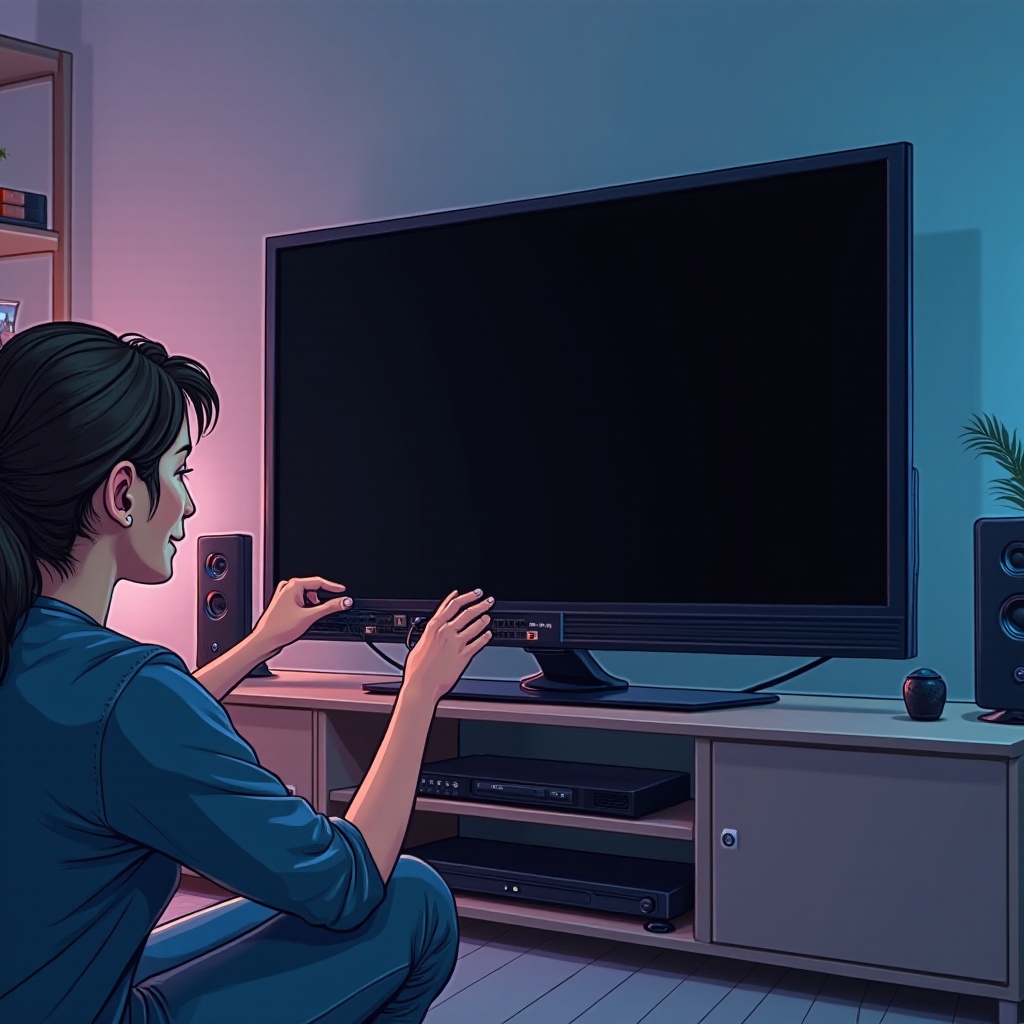
Your TV relies on multiple connections to function correctly, from power supplies to input cables. Loose or faulty cables can easily result in a black screen. Here’s how to inspect and secure them:
- Check the power cable for any visible signs of damage and ensure it is securely plugged into both the TV and the wall outlet.
- Assess HDMI or AV connections. Sometimes the issue lies with these cables connecting your TV to external devices. Make sure these cables are firmly connected. You might also switch them to different ports or try new cables.
- Evaluate external device connections. If you’re using devices like a DVD player, cable box, or gaming console, ensure they are powered on and properly connected.
If re-seating all connections doesn’t resolve the problem, software or settings issues might be the cause.
Software and Settings Troubleshooting
Software glitches and incorrect TV settings can also produce a black screen. Here’s how to address those issues:
- Check for software updates. Outdated software can sometimes lead to display issues. Navigate to your TV’s settings and look for any available software updates.
- Explore display settings. Incorrect display settings might be to blame. Access the TV menu and adjust the brightness, contrast, and input settings to see if this resolves the issue.
- Performing a factory reset. If all else fails, a factory reset can revert your TV back to its original settings. This is usually found in the settings menu.
After ruling out software problems, and if your TV remains unresponsive, consider potential hardware complications.
Internal Hardware Issues
Internal problems are trickier but not impossible to diagnose. If you suspect internal damage, here are signs to look for and actions you can take:
- Look for signs of internal hardware failure such as unusual noise, flickering lights, or an unresponsive TV, which could indicate hardware issues.
- Contact professional repair services. If you suspect an internal problem, it might be time to consult a professional. Research local repair services, check reviews, and get a quote to compare the cost of repair versus replacement.
A black screen doesn’t automatically mean your TV is obsolete. Prevention plays a key role in maintaining your device’s longevity.
Preventative Measures for Maintaining Your TV
To avoid future black screen issues, follow these preventative steps:
- Dust your TV and its surroundings regularly to prevent overheating. Ensure proper ventilation so the TV’s internal components operate smoothly.
- Consider using surge protectors to shield your TV from power surges. Keep liquids and heavy objects away from the TV screen to prevent accidental damage.
By taking these measures, you not only prolong your TV’s life but also enhance your viewing experience.
Conclusion
A blank TV screen can be an inconvenience, but it’s often fixable with some troubleshooting. By ensuring connections are secure and settings are correct, many can resolve their issues without professional help. If hardware problems are suspected, don’t hesitate to consult a technician. Regular maintenance is key to preventing future issues, ensuring your TV remains a reliable entertainment hub.
Frequently Asked Questions
Why is my TV screen black but I have sound?
This might be due to connection issues with the video cables or a problem with the input source settings. Check your connections and try different input sources.
Can a black screen be fixed without professional help?
Yes, many times a black screen can be fixed by checking power sources, cables, and settings. Follow the troubleshooting steps outlined above.
What to do if a factory reset doesn’t resolve the issue?
If a factory reset doesn’t solve the problem, you may need professional repair services to diagnose potential internal hardware issues.