
Introduction
A laptop screen that pops out can be a major inconvenience, disrupting your tasks and possibly leading to further damage if not addressed promptly. Whether the problem is due to accidental damage, loosened components, or a defect, it’s essential to take corrective action swiftly. In this guide, we will explore common causes, walk you through solutions, and share preventive measures for maintaining screen integrity.
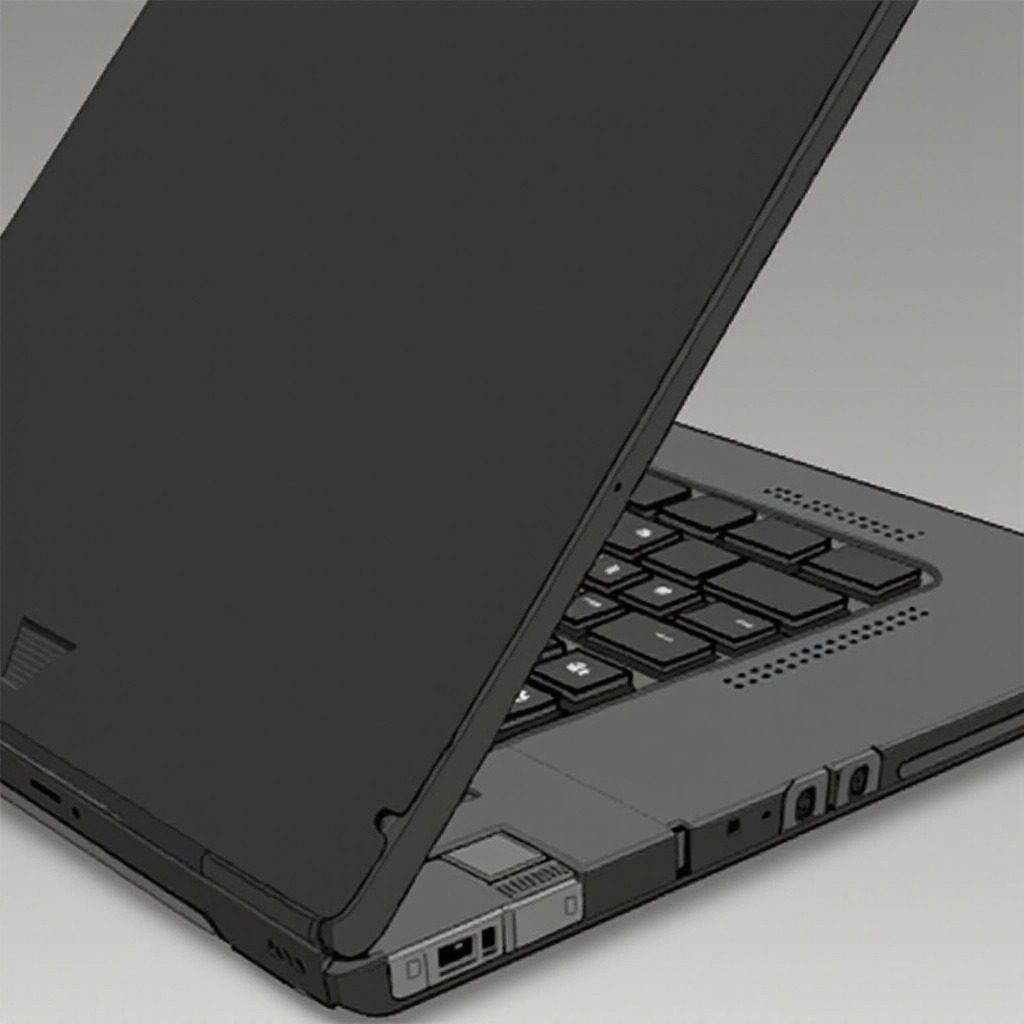
Causes of a Popping-Out Laptop Screen
Identifying the root cause of the issue is a critical step in implementing an effective fix.
- Physical Damage or Impact: Drops or knocks can misalign the screen. Even minimal physical impact can lead to the screen detaching from its housing.
- Loose Hinges or Screws: Over time, constant use may loosen the screws or hinges that secure your screen. This can result in the screen partially coming off.
- Manufacturing Defects: Sometimes, inherent flaws in design or assembly can predispose the screen to detachment.
- Screen Detachment Over Time: Wear and tear can cause screens to loosen progressively, especially in older models.
By understanding these causes, we are better equipped to take preemptive steps and apply appropriate solutions. Let’s prepare for fixing the screen before diving into the specific steps.
Preparation Before Fixing
Adequate preparation is key to a safe and effective repair process.
- Safety Precautions: Ensure the laptop is turned off and unplugged to prevent shock or additional harm.
- Tools Required: Gather necessary tools including small screwdrivers, a plastic pry tool, tweezers, and any replacement screws.
With preparation complete, the next logical step is to follow a systematic repair approach to re-secure your screen.
Step-by-Step Fixing Guide
Fixing a laptop screen can be straightforward with these steps:
- Power Off and Inspect the Damage: Begin by examining the screen, checking for the extent of the detachment.
- Tighten Screws and Hinges: Use a screwdriver to make sure all screws are snugly in place. Attention to the hinges prevents future issues.
- Reattach the Screen Frame: Gently relocate the screen back into its frame. Use a pry tool for any misaligned clips, ensuring they snap securely.
- Check Screen Alignment: After reassembly, power on the device and ensure everything is aligned perfectly.
While these steps often resolve the common issues, some situations necessitate professional intervention. We’ll explore when that might be needed next.
When to Seek Professional Help
There are cases where attempting a DIY solution might not suffice:
- Identifying Beyond-Repair Scenarios: Cracked screens or severe damage suggest the need for expert repairs.
- Choosing the Right Repair Service: Research qualified services by consulting reviews and ensuring they are familiar with your specific laptop model.
Having addressed the repair or professional servicing, it’s important to practice preventive strategies to avoid recurrence.

Prevention Tips for Laptop Screen Issues
To minimize the likelihood of encountering a problem again, consider these tips:
- Proper Handling Techniques: Handle your laptop with care, using both hands to open and close the screen to alleviate unnecessary force on hinges.
- Regular Maintenance Practices: Check regularly for any loosened screws and tighten them promptly.
- Using Protective Gear: Utilize protective sleeves or cases when moving your laptop to cushion it against bumps and scrapes.
By following these preventive guidelines, you can significantly reduce the wear and prolong the functional life of your laptop screen.

Conclusion
A popping-out laptop screen requires immediate attention to prevent further complications. With the right tools and procedures, most issues can be addressed at home; however, knowing when to rely on professionals is key to ensuring effective resolution. Integrating preventive measures will fortify your laptop’s resilience.
Frequently Asked Questions
Can I fix a laptop screen that’s popped out by myself?
Yes, many minor issues can be resolved with careful handling and the right tools. However, seek professional help for severe damage.
How much does professional repair for a laptop screen cost?
Costs vary, generally ranging from $50 to $300, depending on the extent of damage and your laptop’s brand and model.
What preventive measures can I take to avoid laptop screen issues?
Practice careful handling, perform regular maintenance, and use protective cases or sleeves to prevent wear and tear.