
Introduction
LCD monitor clouding, often seen as uneven brightness or discoloration patches on your screen, can significantly disrupt your viewing experience. By pinpointing the causes and implementing effective solutions, you can extend your monitor’s life and keep its display in pristine condition.

What is LCD Monitor Clouding?
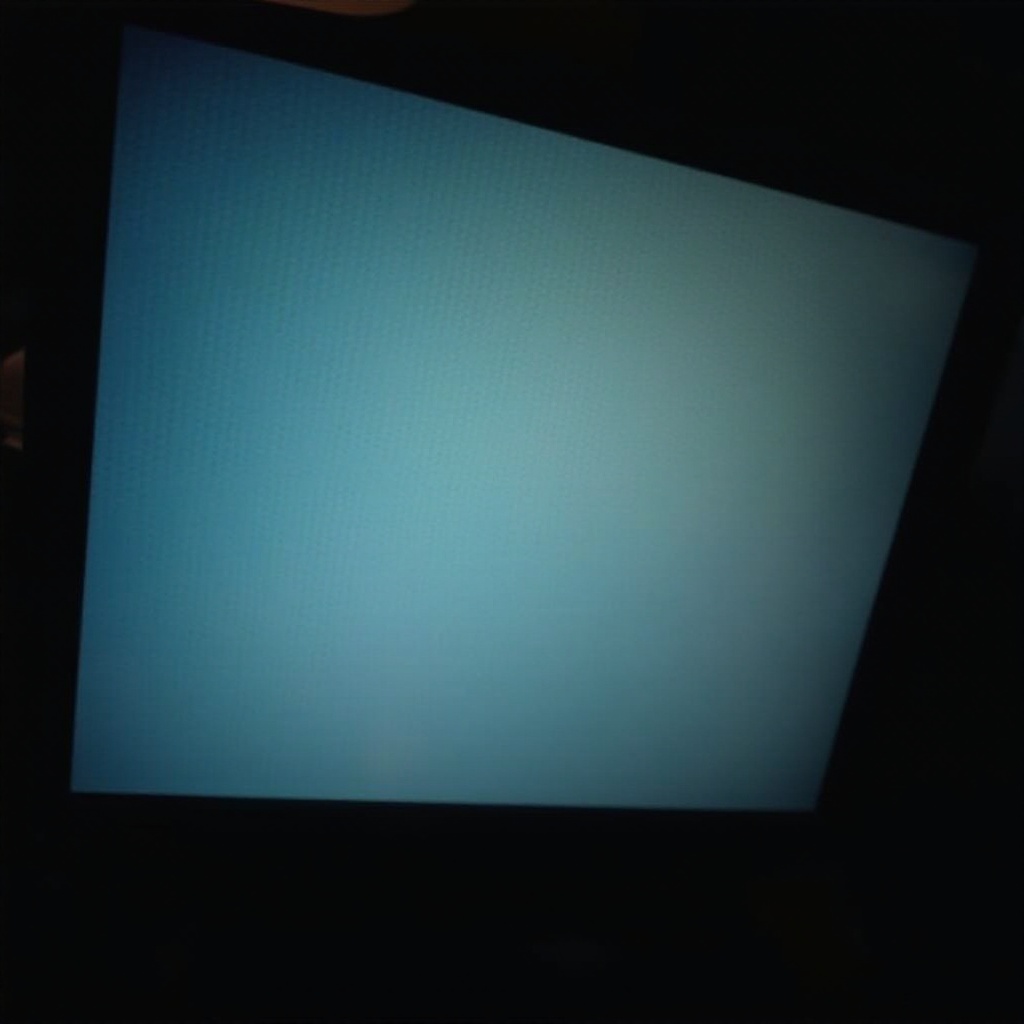
The term ‘LCD monitor clouding’ refers to irregular patches of brightness caused by uneven backlight distribution. This issue predominantly presents during dark scenes, mistaken often for dead pixels or image retention. To identify clouding specifically, contrast it with other screen abnormalities and verify the particular conditions that exacerbate the issue.
Causes of LCD Monitor Clouding
Understanding what leads to monitor clouding helps you address it efficiently.
- Inadequate Backlighting
Inefficient backlighting design causes light to spread unevenly. Monitors lacking advanced backlighting technology often show bright spots resulting from clouding.
- Manufacturing Defects
Occasionally, clouding stems from production issues. Poor manufacturing processes can make structural imperfections more likely, affecting light spread.
- Environmental Influences
Temperature shifts and high humidity alter the monitor’s internal components. Such environmental changes can amplify clouding symptoms, disrupting even a well-functioning screen.
Understanding these causes allows you to either prevent or mitigate their effects.
Identifying Clouding in Your Monitor
Before fixing clouding, it is crucial to ensure this is your screen’s primary issue.
- Visual Inspection Techniques
Conduct a thorough examination in a dark room using a dark screen background. This setting helps illuminate any light patches more clearly, symptomatic of clouding.
- Software and Tools for Diagnosis
Utilize diagnostic tools that display solid colors across your monitor to better understand clouding areas. These tests provide a map of clouding that is hard to pinpoint with a naked eye alone.
With identification complete, you can now proceed to resolve the confirmed clouding issues.
Solutions to Fix LCD Monitor Clouding
Implementing the right blend of settings adjustments and physical interventions can remarkably alleviate clouding.
-
Adjusting Monitor Settings
-
Brightness and Contrast: By reducing brightness and sharpening contrast, you can significantly lessen the clouding effect.
-
Color Calibration: Utilize both in-built and third-party calibration tools to finetune your screen display settings for color balance and clarity.
-
Physical Adjustments
-
Gentle Pressure: Applying soft pressure around the clouded areas with a microfiber cloth may spread liquid crystals more evenly.
-
Proper Ventilation: Ensure air circulation around the monitor to prevent heat build-up, which can exacerbate clouding over time.
-
Professional Repair Options
If self-help methods don’t work, consult a technician. Professionals can access and adjust your monitor’s internal elements directly, offering sometimes the only viable solution to persistent clouding.
Adopting these strategies can greatly enhance your visual experience and monitor longevity.
Preventative Measures for LCD Clouding
Preventive care is often more manageable than remedial efforts. Regular dust removal and maintaining stable room temperatures can reduce clouding risks. Extreme environments should be minimized to prevent exacerbating or causing clouding.
Choosing the Right Monitor to Avoid Clouding Issues
To circumvent clouding, informed purchases are key.
- Features to Consider
Seek out monitors engineered with superior backlighting systems and quality materials. Not only do they improve performance, but they are also inherently more resistant to clouding.
- Recommended Models
Thorough research into customer reviews and expert opinions can identify brands and models renowned for minimal clouding.
Such proactive choices ensure a greater display quality and satisfaction with your monitor investment.
Conclusion
Diagnosing and addressing LCD monitor clouding involves identifying causes and applying targeted solutions. Consistent preventative measures coupled with practical solutions not only resolve current clouding but prevent future issues. Equipped with this knowledge, your viewing experience can remain immersive and uninterrupted.
Frequently Asked Questions
How can I tell if my monitor is clouding or if it’s another issue?
Clouding appears as uneven brightness patches, distinct from dead pixels. Diagnostic tools displaying solid colors can aid in proper identification.
Are there specific brands known for less clouding?
High-end models with advanced backlighting typically experience fewer clouding issues. Reviews and expert suggestions can highlight these models.
Can adjustments in room lighting help reduce the perception of clouding?
Yes, lowering ambient light can reduce the impact of clouding visually, making it less pronounced.