
Introduction
Experiencing a TV that refuses to power on can be both confusing and daunting. You’ve settled down for some entertainment, only to face a blank screen. Pinpointing the causes of this issue is the first step towards a solution. This guide aims to explore both common and advanced troubleshooting steps to reinstate your TV’s functionality.
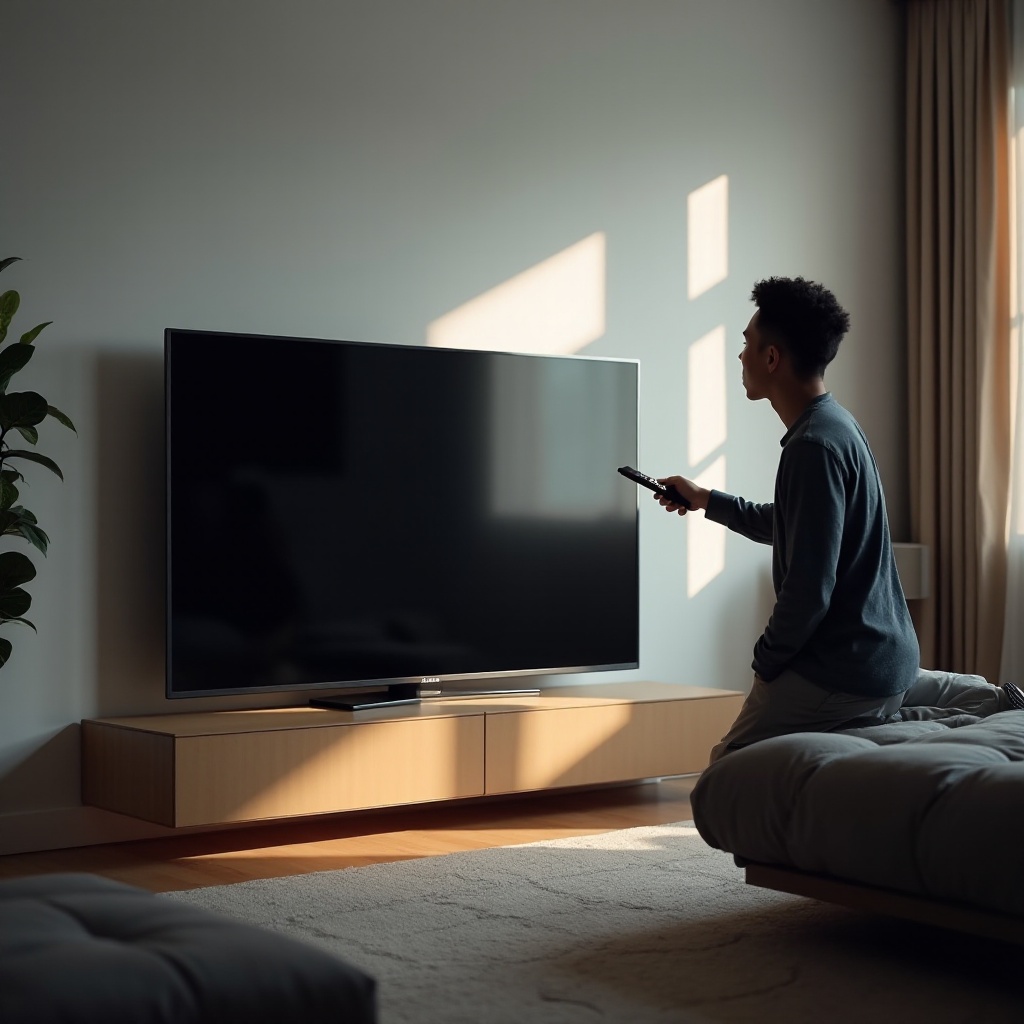
Common Causes of TV Power Issues
The inability of a TV to turn on can stem from numerous potential causes. Identifying these can effectively guide your subsequent actions.
- Power Supply Problems:
-
A malfunctioning power source is frequently the primary suspect. Ensure that your outlet is operational by testing it with an alternative appliance.
-
Remote Control Malfunctions:
-
Confirm that the remote is not the problem. Replace its batteries or ensure that nothing blocks its signal.
-
Faulty Cables and Connections:
-
Verify that all cables are correctly plugged in and examine them for any visible wear or damage. A loose or damaged cable can easily disrupt power supply.
-
Internal Component Failures:
- Sometimes the issue is more complicated, involving the TV’s internal components, which may require professional intervention.
Equipped with the knowledge of these common issues, let’s move forward with a practical troubleshooting guide to tackle these problems.
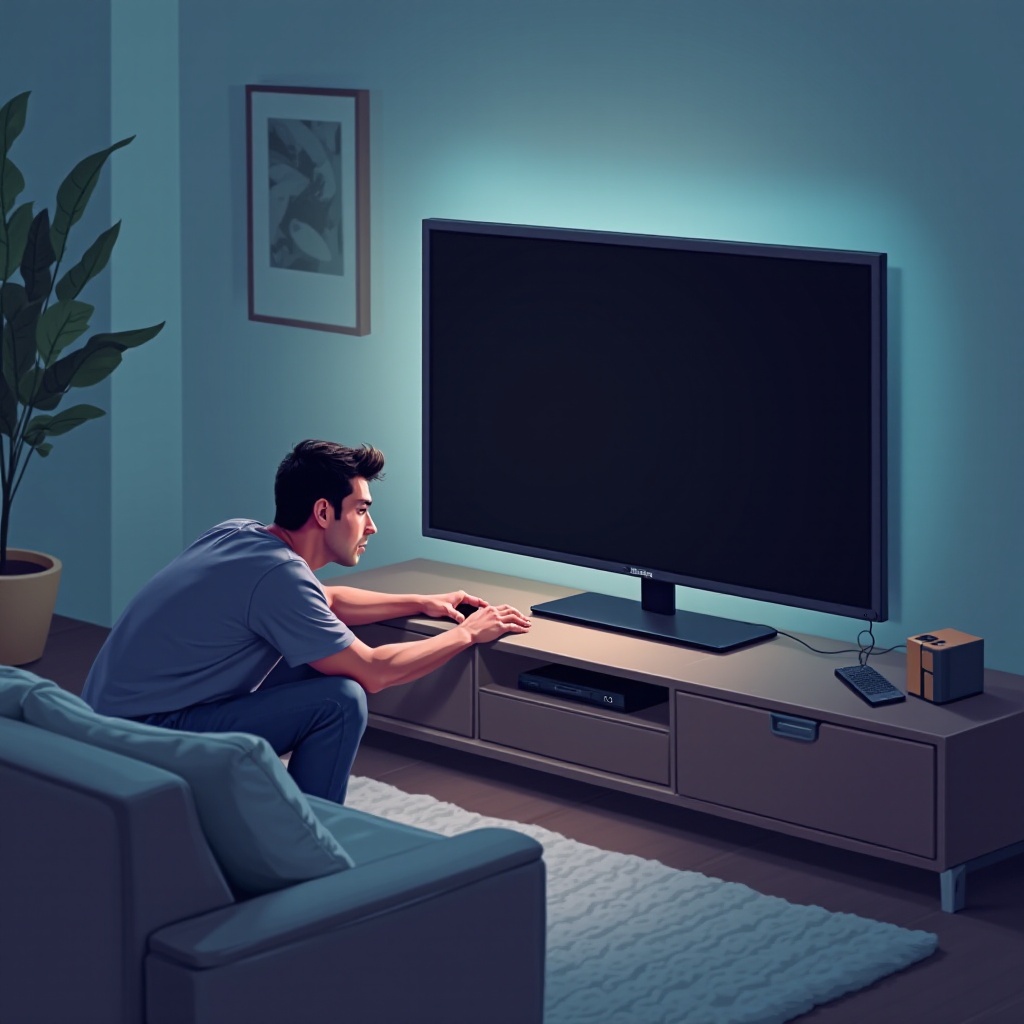
Step-by-Step Troubleshooting Guide
If the common causes pinpointed above haven’t resolved your issue, the following comprehensive steps might help.
- Checking Power Sources:
-
Make sure the power cord plug is fully connected to a functional wall outlet. If necessary, try a different outlet.
-
Verifying Remote and Sensor Issues:
-
Test your remote with another device to confirm it’s working. Alternatively, try turning on the TV using its physical buttons.
-
Inspecting Cables and Connections:
-
Discern that all cables are securely connected and free of noticeable damage. Even minimal looseness can lead to significant problems.
-
Testing Internal Hardware:
- Quietly listen for abnormal sounds from your TV when attempting to power it on. Clicking sounds or a complete lack of response may point to internal hardware issues.
These thorough troubleshooting steps typically resolve the majority of basic power issues. If your TV remains unresponsive, consider more advanced techniques.
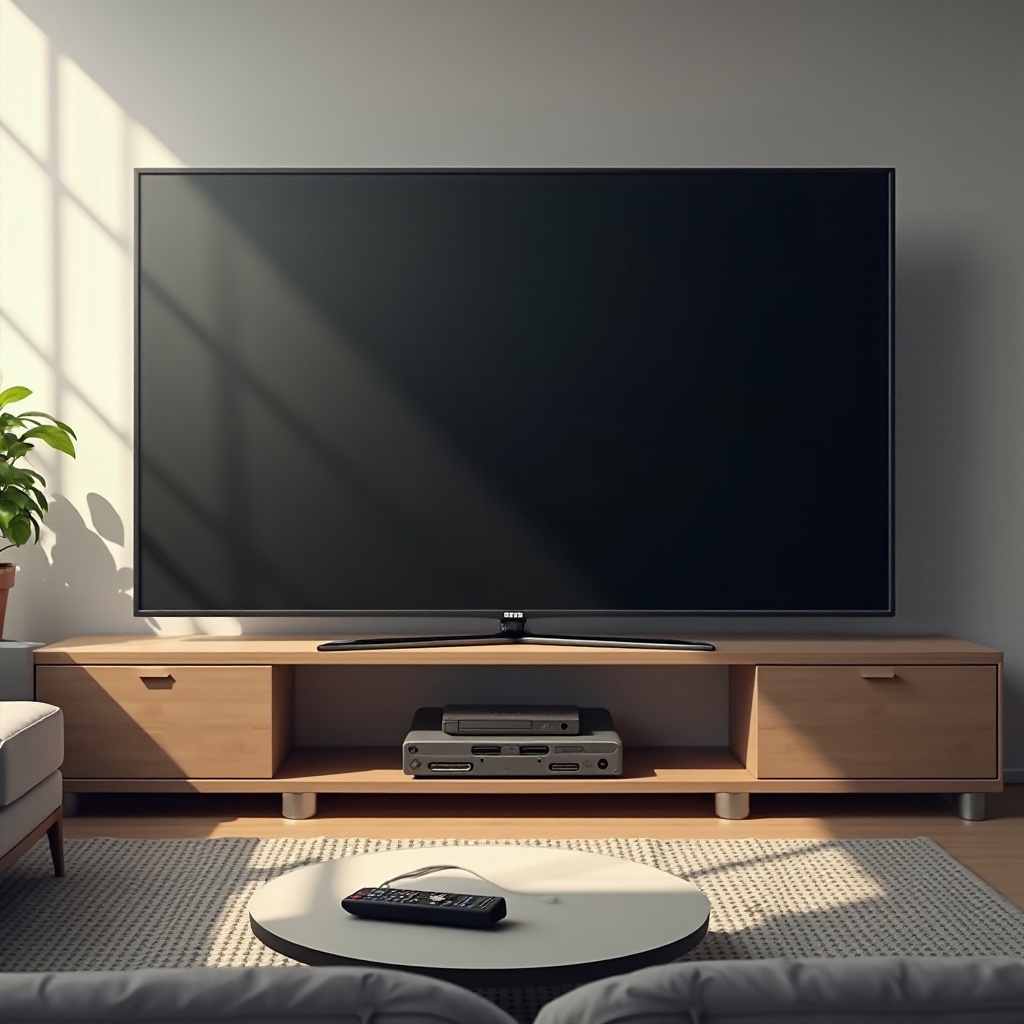
Advanced Troubleshooting Techniques
When basic fixes don’t work, moving on to advanced solutions that delve into settings and software is your next best choice.
- Resetting the TV Settings:
-
Sometimes a factory reset can resolve persistent issues caused by software glitches. Consult your TV’s manual for reset instructions.
-
Updating the Firmware:
-
Accessibility to manufacturer-provided software updates can fix many software-related problems. Check your TV or its manufacturer’s website for updates.
-
Interference from External Devices:
- Remove all external devices from your TV and try to power it on. This process can pinpoint the issue to external devices rather than the TV itself.
If these advanced techniques do not work, it may be time to evaluate professional repair options.
When to Call a Professional
Understanding when to seek expert help can not only save time but also prevent further damage to your TV.
- Indicators of Serious Hardware Problems:
-
Loud noises or no signs of power despite all troubleshooting steps usually indicate serious internal issues that require professional involvement.
-
Warranty and Repair Services:
- If your TV is still under warranty, it would be beneficial to contact the manufacturer for repair or replacement. Assess costs if the warranty is void.
A careful assessment of these considerations helps you make informed decisions regarding the repair or replacement of your TV.
Conclusion
Most TV power issues can be resolved independently through careful evaluation of power sources, cables, and settings. If these DIY solutions fail, understanding your next steps for warranties or repairs can lead to timely and economical resolutions.
Frequently Asked Questions
Why does my TV power light blink but not turn on?
A blinking power light generally signals a malfunctioning internal component or software glitch. Refer to the user manual or consult a professional.
Can a power surge damage my TV?
Yes, power surges can affect internal components adversely. It’s advisable to use surge protectors to minimize such risks.
How often should I perform TV maintenance?
Regularly check cables and connections every few months and keep your TV firmware updated to ensure optimal performance.