
Introduction
Experiencing your TV turning on and off unexpectedly can be quite bothersome, interrupting your viewing pleasure. This problem is not uncommon, and it may stem from various causes, like simple setup issues or more complex hardware failures. In this guide, we will outline a series of steps to help you identify and resolve this annoying issue effectively. Let’s begin with some initial checks, which often solve the problem quickly.
Initial Checks for Your TV
Before delving into more technical solutions, it’s wise to start with some basic checks to confirm everything is connected as it should be:
- Secure Connections: Ensure the power cord is tightly connected to both the TV and the electrical outlet. Loose connections can lead to intermittent powering issues.
- Test Different Power Outlets: Plug the TV into a different outlet to rule out any faults in the current outlet.
After confirming stable connections, it’s time to investigate potential issues with the remote control, which can often be the source of unexpected power behaviors.
Remote Control Issues
The remote control could be inadvertently causing your TV to switch on and off. Consider these points:
– Stuck Buttons: Inspect the remote for any buttons that might be stuck, as they can send unintended signals to the television.
– Battery Check: Replace the batteries in your remote. Weak batteries can lead to erratic signal transmission.
– Universal Remote Test: Utilize a universal remote to see if the issue persists, helping to determine if the original remote is faulty.
If the remote control checks out, the next logical step would be to examine power supply concerns.
Power Supply Concerns
Problems with the power supply could greatly influence your TV’s performance:
– Inspect Power Cord and Outlet: Check for any visible damage to the power cord. Try using a different cord if necessary.
– Consider Voltage Fluctuations: Power surges can cause the TV to turn off unexpectedly. Using a surge protector might help manage these fluctuations.
Once power supply concerns are ruled out, it’s essential to look into software and firmware updates that might be affecting your TV.
Software and Firmware Updates
Regularly updating your TV’s software and firmware is crucial to its smooth operation:
– Importance of Updates: Most updates include fixes for bugs and improvements that might help resolve undesired behaviors such as unexpected power cycling.
– Steps for Manual Updates: Refer to your TV’s manual or manufacturer’s website for instructions on how to conduct manual software updates.
With software concerns addressed, consider whether any timer settings might be causing your TV to power off.
Timer and Power Settings
Settings related to timers can inadvertently lead to your TV turning on or off without warning:
– Disable Sleep Mode: If your TV is set to enter sleep mode after a period of inactivity, this could be the issue. Verify and disable this setting if necessary.
– Adjust Energy-Saving Settings: Energy-saving features might automatically power down the TV. Check these settings and adjust them according to your preferences.
If settings are not the cause, overheating might still be part of the problem, so it’s worth investigating.
Check for Overheating Issues
Excessive heat can prompt your TV to shut down as a protective measure. Here’s what you can do:
– Ensure Proper Ventilation: Make sure there’s enough space around your TV for air to circulate and prevent overheating.
– Signs of Overheating: If your TV is hot to the touch, switch it off and let it cool down before using it again.
Once overheating issues are managed, it’s advisable to examine potential interference from connected external devices.
Assessing External Device Interference
External devices can influence your TV’s behavior. Follow these steps:
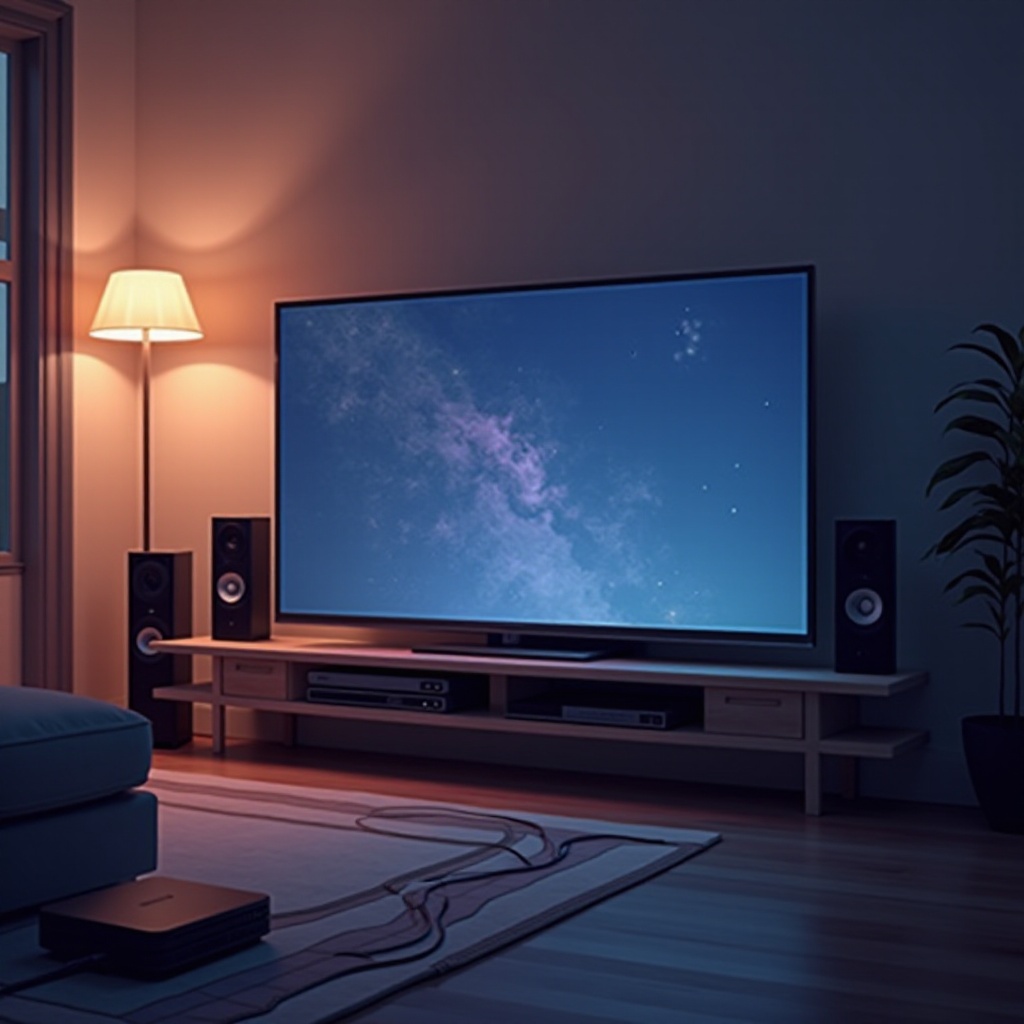
– Disconnect Devices: Unplug all external devices such as HDMI cables, sound systems, and gaming consoles to see if the TV’s behavior changes.
– Run TV in Isolation Mode: Operate your TV without any additional devices connected. If the TV stabilizes, reconnect devices one at a time to identify the problematic device.
If no results are achieved, you may be looking at a more serious internal issue that requires professional attention.
When to Seek Professional Help
If your troubleshooting isn’t successful, it might be time to involve a professional:
– Recognizing Hardware Failures: Internal components like the power board or capacitors could be failing. Such issues require diagnosis and repair by a technician.
Conclusion
Tracking down why your TV keeps turning on and off can be a manageable task when approached systematically. By following these troubleshooting steps, you can often uncover the problem and resolve it, or conclude that professional service is necessary. Regularly updating your system, ensuring equipment is plugged correctly, and checking settings can help prevent similar issues in the future.
Frequently Asked Questions
Why does my TV turn on by itself at night?
This might be due to enabled timer settings or a malfunctioning remote. Check your TV’s settings and the remote to diagnose the issue.
Does a factory reset resolve the turning off issue?
A factory reset can help fix software-related issues by restoring default settings and potentially resolving glitches causing power instability.
Can overheating cause my TV to power off repeatedly?
Yes, overheating can trigger automatic shutdown to protect the TV’s components. Ensure your TV is well-ventilated and not exposed to heat sources.