
Maintaining your Xbox One is essential for ensuring uninterrupted gaming sessions and extending the life of your console. A key element of maintaining your Xbox is the cleanliness of the disc drive. Accumulated dust and grime can lead to read errors and performance issues. Knowing how to effectively clean your disc drive not only boosts performance but also prevents damage, allowing you to enjoy hassle-free gaming experiences.
Why Regular Cleaning is Essential for Your Xbox One
Regularly cleaning your Xbox One disc drive comes with several benefits. A pristine disc drive enhances performance by reducing interruptions caused by dust and debris. Accumulation of dirt can physically damage discs and the drive itself, leading to expensive repairs or replacements. By integrating regular cleaning into your maintenance routine, you can avoid these issues and enjoy smooth gameplay.
In addition to performance improvements, keeping your disc drive clean helps to prevent overheating. Proper ventilation, aided by a dust-free disc drive, is vital for keeping your console cool during long gaming sessions. Preparing to clean the disc drive requires gathering the right tools and materials, which we will cover next.
Tools and Materials Needed for Cleaning
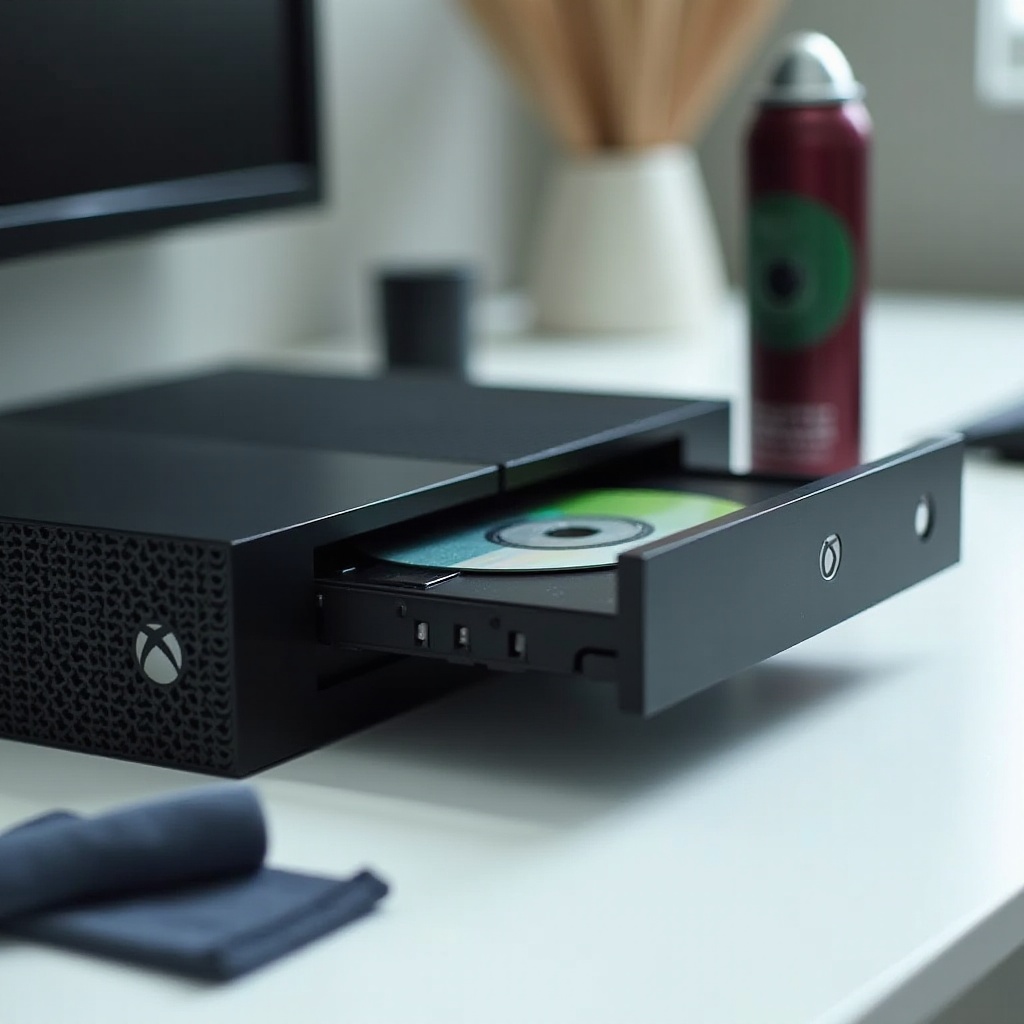
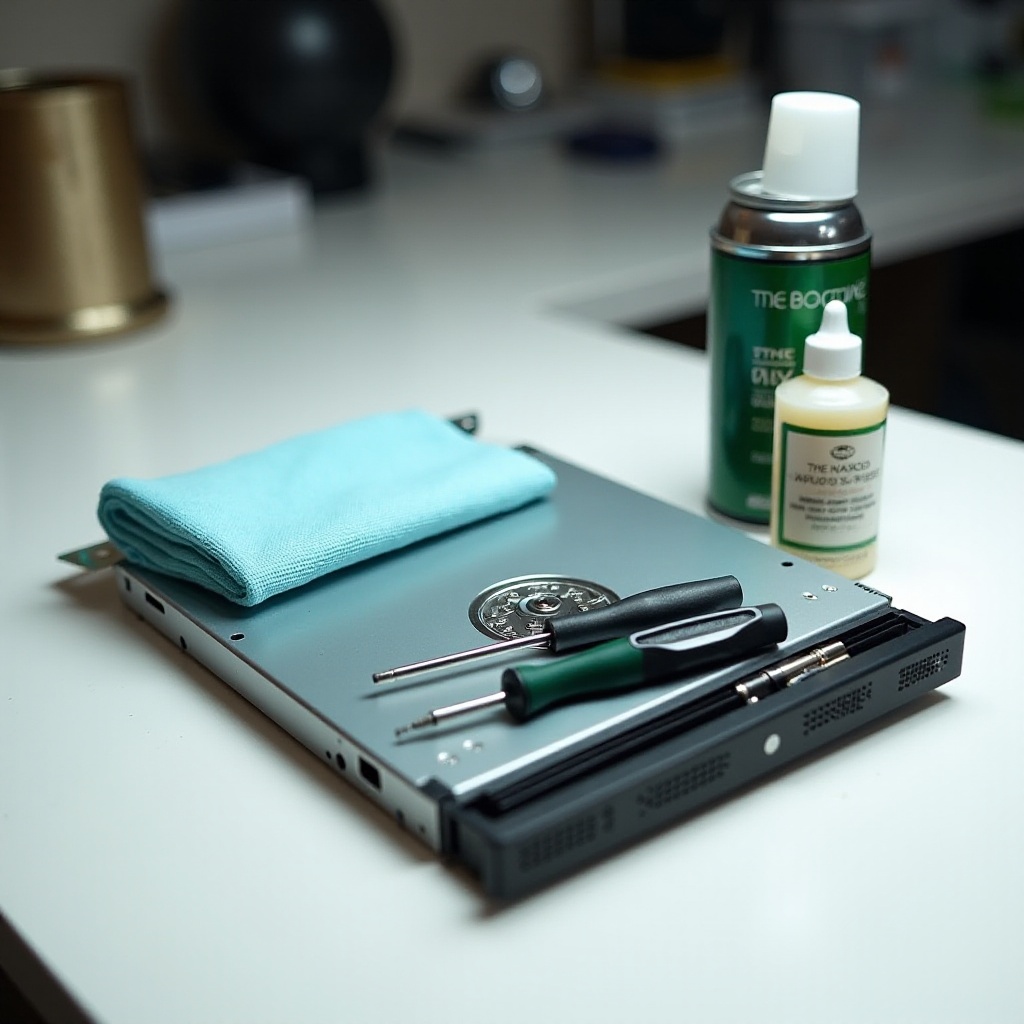
To clean your Xbox One disc drive effectively, you’ll need specific tools and materials:
- A microfiber cloth: Ideal for wiping surfaces without scratching.
- Compressed air can: Useful for blowing out dust from hard-to-reach areas.
- Isopropyl alcohol (preferably 70%): Excellent for cleaning as it evaporates quickly, leaving no moisture.
- Cotton swabs: Helpful for cleaning narrow spaces inside the disc drive.
Having these materials ready will ensure a successful cleaning process, setting the stage for the step-by-step guide you need to follow.
Step-by-Step Cleaning Process
Cleaning your Xbox One disc drive requires careful execution of each step to avoid damage. Follow this detailed guide for best results:
-
Power Off and Unplug Your Console
Start by ensuring the Xbox One is completely powered off and unplugged. This step is crucial for safety and prevents damage to the console during cleaning. -
Eject Any Discs and Open the Disc Drive
Make sure there are no discs inside the drive. Use the eject button to remove any disc, and gently open the drive slightly to gain better access. -
Prepare a Safe Cleaning Solution
Mix isopropyl alcohol with a small amount of water to create an effective cleaning solution. Dampen a microfiber cloth with the mixture for cleaning. -
Clean the Disc Drive Gently
- Use the compressed air can to blow out loose dust and debris from the disc drive, directing short bursts of air into the drive.
- Moisten a cotton swab with the cleaning solution and gently clean around the disc drive entrance to remove stubborn grime.
-
Wipe down the external surfaces of the console with the microfiber cloth to remove any fingerprints or smudges. Avoid excessive moisture near openings.
-
Reassemble and Test Your Console
Ensure everything is thoroughly dry before reconnecting the power source. Power on your Xbox One and insert a disc to test for smooth operation.
With these steps completed, your Xbox One disc drive should be clean and functional. Avoiding common mistakes is key to a successful cleaning experience.
Common Mistakes to Avoid When Cleaning Your Disc Drive
To ensure a successful cleaning, be aware of these common mistakes that can cause harm:
- Overusing Cleaning Solutions: Minimize liquid use to prevent moisture damage by employing a lightly dampened cloth.
- Using Incorrect Materials: Avoid abrasive materials like tissue paper that leave fibers or scratch surfaces. Stick with microfiber cloths and gentle cleaners.
- Exerting Too Much Pressure: Delicate components can be damaged by excessive force. Always handle the drive with care.
By steering clear of these errors, you’ll ensure a safer and more effective cleaning process. Now, let’s discuss how to maintain your Xbox One disc drive.
Tips for Maintaining Your Xbox One Disc Drive
Regular maintenance is key to preserving a clean and functional disc drive. Consider these tips:
- Establish a Regular Cleaning Schedule: Clean your Xbox One quarterly, or more frequently in dusty environments.
- Position Your Console Correctly: Ensure adequate ventilation by avoiding placement on carpets or in enclosed spaces.
- Handle Discs with Care: Insert and remove them gently to prevent scratches and dirt buildup.
Following these maintenance tips, alongside proper cleaning, will keep your Xbox One in top condition for years to come.
Conclusion
Regular cleaning and maintenance are essential to ensure the longevity and performance of your Xbox One. By following our guide, you can maintain a clean and efficient disc drive, minimizing errors and extending your console’s life.
Frequently Asked Questions
How often should I clean my Xbox One disc drive?
It’s ideal to clean your Xbox One disc drive every three to four months, or more frequently if it’s exposed to dust.
Can using the wrong cleaning materials damage my console?
Yes, using abrasive materials or excessive liquid can lead to scratches or moisture damage. Use recommended materials like microfiber cloths and isopropyl alcohol.
What should I do if my disc drive is still not working after cleaning?
If the problem persists after cleaning, contact Xbox Support as it might indicate a mechanical issue that requires professional repair.