
Introduction
Facing a non-responsive Wii console can halt your entertainment plans. Whether it’s a sudden power loss or a gradually worsening issue, identifying and fixing the root problem is crucial to restoring your gaming setup. This guide takes you through clear, step-by-step instructions to troubleshoot and resolve power issues with your Nintendo Wii, ensuring that you can get back to playing your favorite games.
Basic Troubleshooting Steps
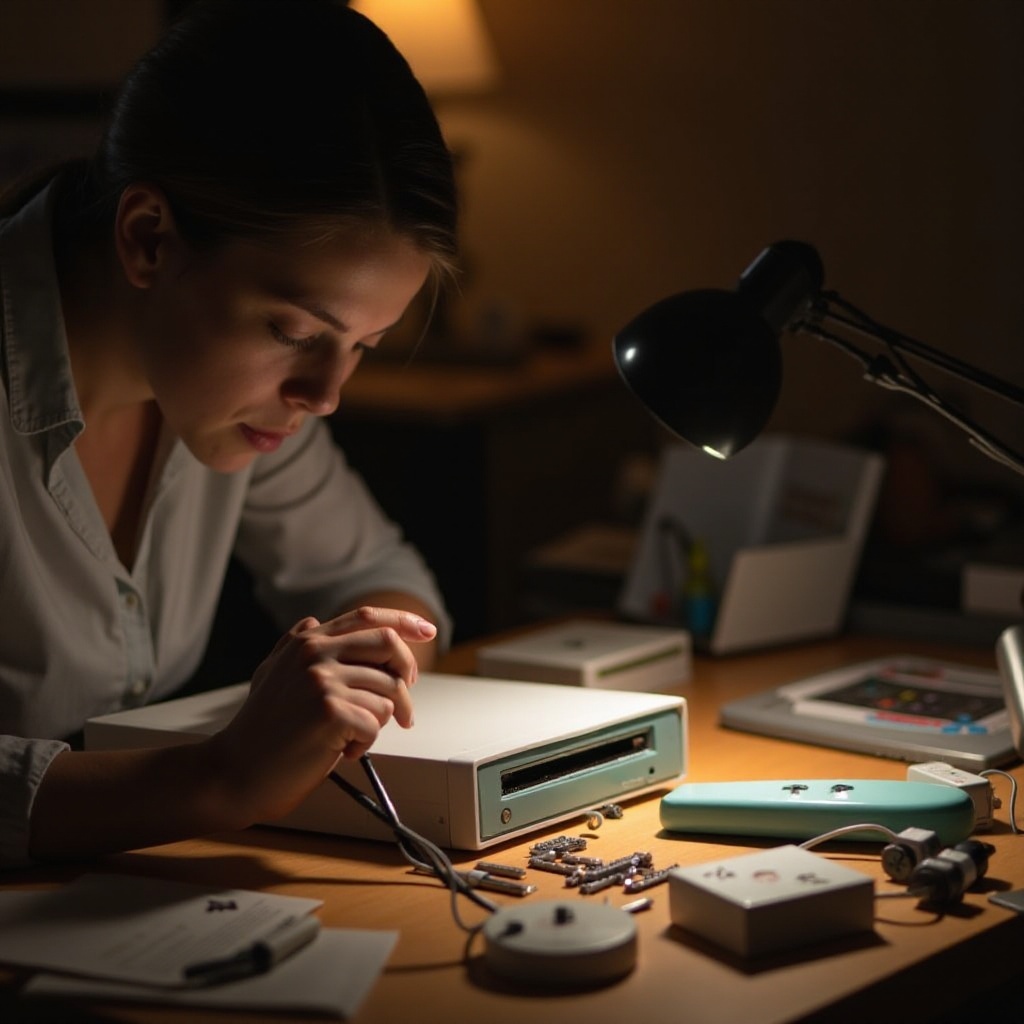
Before diving deeper, start by addressing the simplest solutions. These checks help rule out the likely culprits quickly.
-
Verify Power Connections: Double-check that all cables are properly connected. The power cord should be firmly attached to both the console and the outlet.
-
Test with a Different Power Outlet: Faulty outlets can be mistaken for console issues. Plug your Wii into another outlet to determine if the original outlet is the problem.
If these steps don’t resolve the issue, the next logical step is to investigate the power supply, as issues here are a frequent cause of power problems.
Examining the Power Supply
Sometimes the problem lies with the power supply rather than the console itself. Here’s how you can inspect it:
-
Inspect the Power Cord for Damage: Examine the cord for any visible damage like frayed wires or breaks. Such damage can interrupt the power flow to the console.
-
Use a Multimeter for Voltage Testing: If you’re familiar with using a multimeter, verify the power adapter’s output voltage to see if it matches the required levels.
A functional power supply is critical, yet a faulty unit may not always show obvious signs of damage. A subsequent step involves resetting the AC adapter, a simple fix that often resolves power issues.
Resetting the AC Adapter
Resetting the adapter can eliminate minor power glitches:
- Unplug the power cord from both the wall and the console.
- Allow a two-minute interval before reconnecting, letting any stored charge dissipate completely.
- Plug the cable back into both the outlet and the console.
If your Wii still won’t power on after resetting, inspecting the console for hardware issues could provide insights into more complex problems.
Hardware Inspection
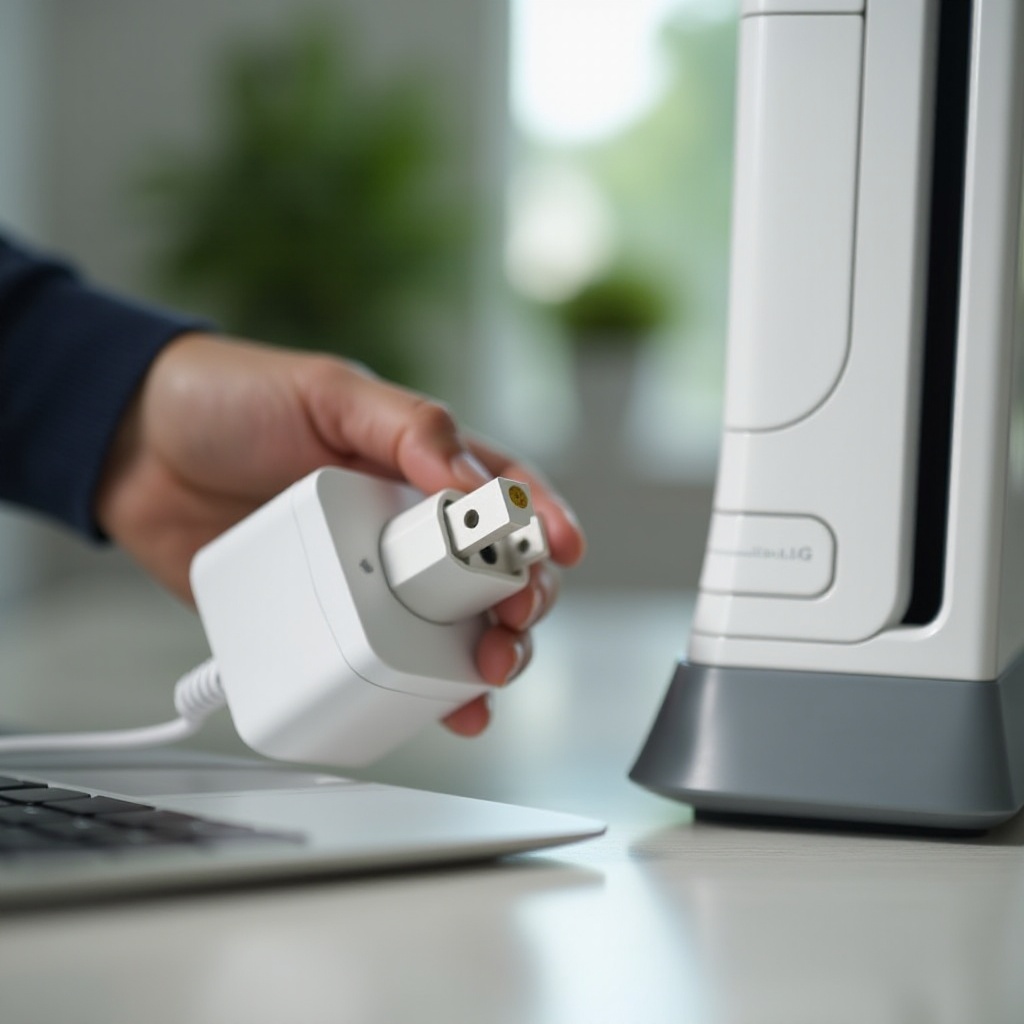
If external damage and power supply issues are ruled out, the problem might be with the hardware itself. Here’s how you can check:
-
Physical Damage Checks: Inspect the Wii for external signs of damage like cracks or loose parts. These may affect the power system’s function.
-
Ventilation and Overheating Considerations: Ensure dust or debris is not blocking any vents. Overheating can trigger automatic shut-offs or prevent power-on operations.
When physical checks don’t pinpoint the issue, the focus should shift to potential internal failures, as these require further technical insight.
Identifying Internal Issues
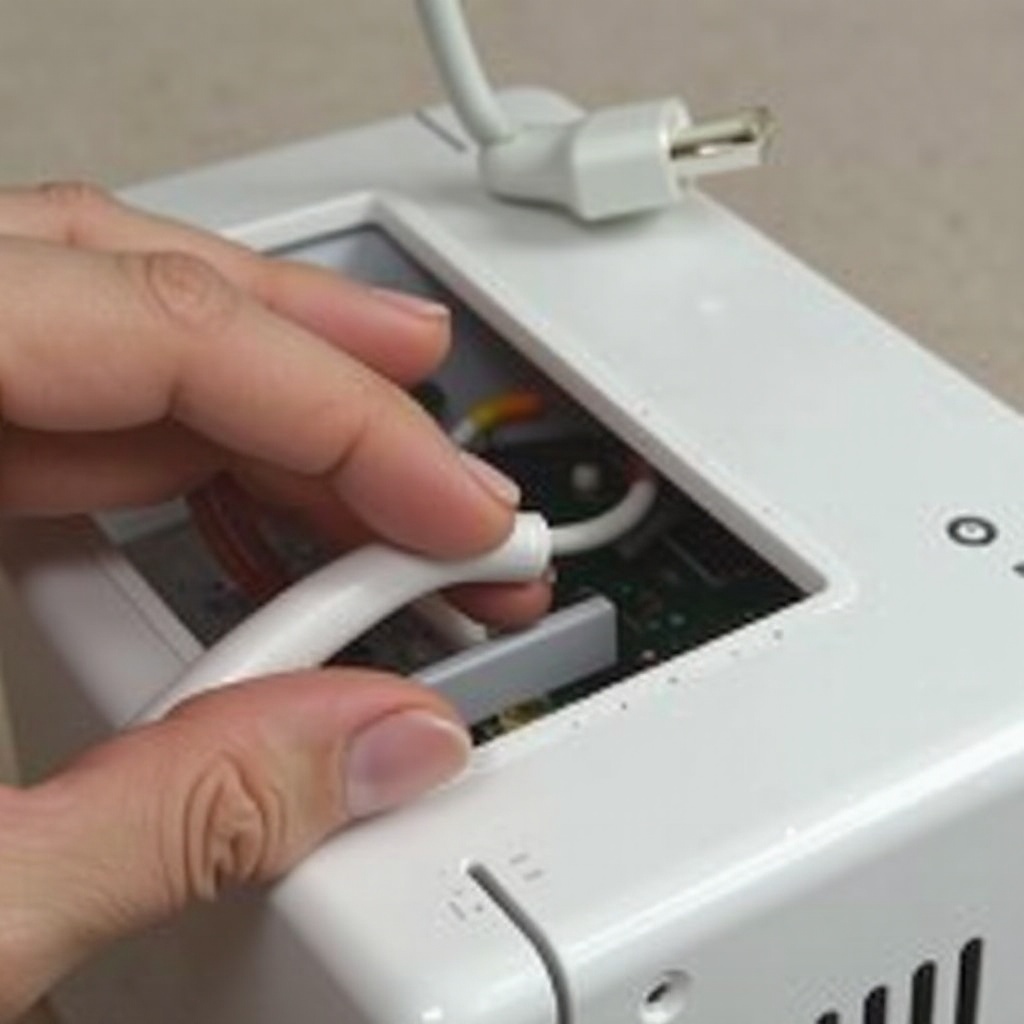
Internal failures are a more advanced concern but detecting early signs can help in seeking repair.
-
Signs of Internal Component Failure: Listen for unusual noises such as clicking or whirring, which may indicate failing hardware inside the console.
-
Considering Professional Repairs: If internal faults are suspected, or if you’re unable to isolate the problem, professional repair services are recommended. Expert technicians can safely diagnose and fix internal hardware issues.
With these steps, you can diagnose the problem, but proactive care is equally important to extend your console’s life.
Preventive Measures to Avoid Future Problems
Ongoing maintenance prevents many power-related issues. Here are tips to keep your console running smoothly:
-
Regular Maintenance Tips: Clean the console regularly to remove dust buildup using a soft, dry cloth and compressed air for the vents.
-
Environment Setup for Optimal Performance: Position your Wii in a stable, cool, and well-ventilated location. Avoid placing it in confined spaces or near heat sources to allow proper air circulation.
Practicing regular maintenance and providing a suitable environment for your Wii will not only fix current issues but also prevent future ones.
Conclusion
By following these structured troubleshooting and maintenance tips, you should find an effective solution to the issue of a Wii that won’t power on. Attending to power connections, addressing external and internal concerns, and ensuring a conducive environment for operation are key strategies. If your Wii persists in malfunctioning, professional assistance may be needed to safely solve complex internal issues and restore your console performance.
Frequently Asked Questions
Why is my Wii not turning on even after checking all connections?
If your Wii still won’t turn on, the problem might be with the power supply unit. Consider testing the outlet or replacing the adapter.
Can overheating cause my Wii to stop powering on?
Yes, overheating can cause the Wii to shut down to prevent damage. Ensure proper ventilation and consider placing the console in a cooler area.
What should I do if my Wii power supply is defective?
Replace the power supply with a compatible one. Ensure you purchase from reputable sources to avoid counterfeit products.