
Introduction
Ensuring your Wii U Gamepad is properly charged is essential for a seamless gaming experience. This device is your portal into the world of Wii U gaming, and without a reliable charge, your gaming sessions could be cut short. In this guide, we’ll explore the methods for effectively charging your Gamepad and maintaining its battery life to enhance your overall gameplay.

Understanding the Wii U Gamepad Battery
The Wii U Gamepad is equipped with a lithium-ion battery known for its efficiency but also its sensitivity to charging habits. Typically, it offers 3 to 5 hours of use per full charge, depending on how intensely the gamepad is used. Factors such as playing high-graphic games or leaving the gamepad in standby mode can deplete the battery faster.
With this understanding, we can set up a charging routine that maximizes battery performance and longevity, ensuring your gaming isn’t prematurely interrupted.
How to Charge Your Wii U Gamepad Safely
Charging your Gamepad is straightforward if you follow these safety tips:
- Gather the essentials: Make sure you have the original Wii U AC Adapter or a Nintendo-certified charger. This ensures compatibility and safety.
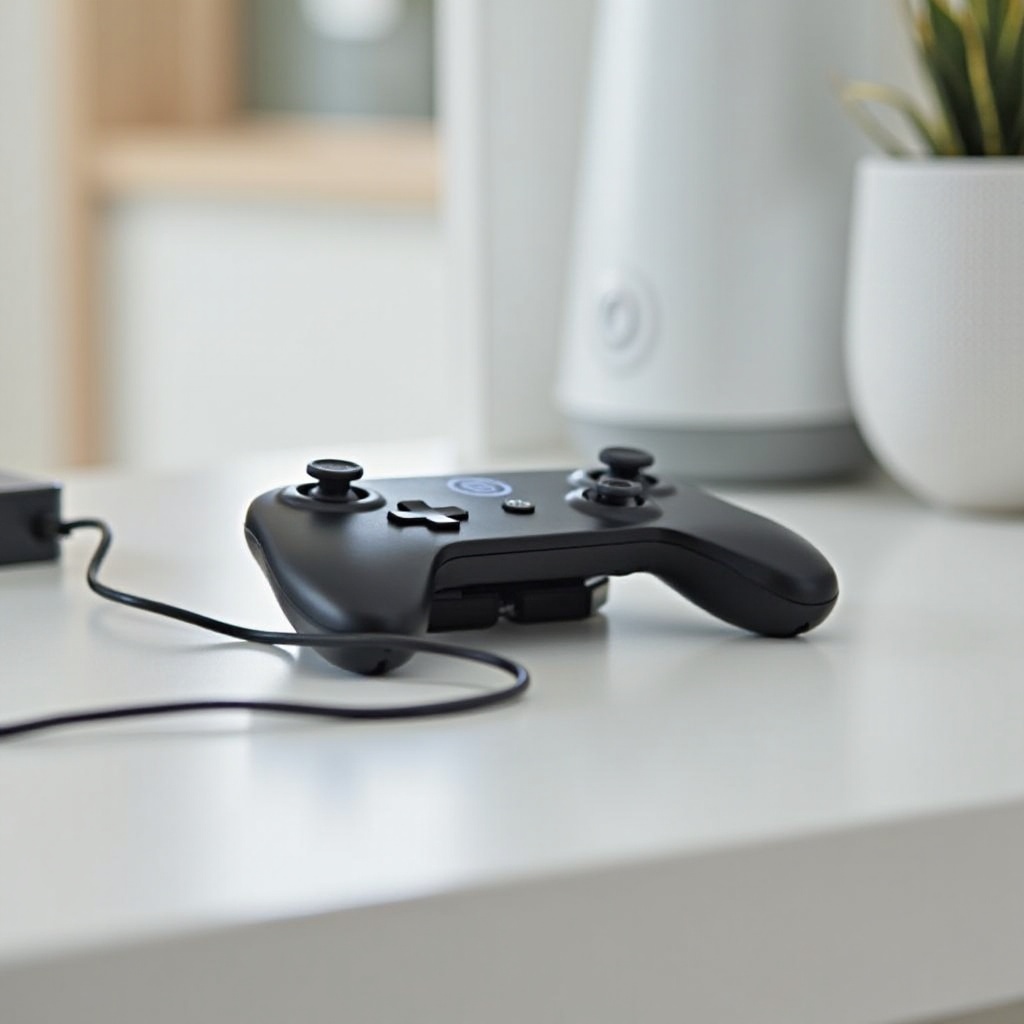
- Connect to power: Plug the adapter into a wall outlet and connect the other end into the Gamepad’s top charging port.
- Monitor the charging light: An orange light indicates that the device is charging. Let it charge uninterrupted for about three hours.
- Safety first: Always place your Gamepad on a stable surface during charging to prevent accidental disconnections.
These steps not only provide a full battery but also protect your device from potential damage.
Troubleshooting Common Charging Issues
Even with proper charging equipment, issues might occur. If your Gamepad isn’t taking a charge, consider these steps:
- Inspect your charger for any obvious damages such as frayed wires or bent prongs. A faulty charger is a common problem.
- Test a different power outlet if your usual one doesn’t seem to work. Outlet failures are sometimes the issue.
- Resetting the Gamepad can also help: hold the power button for about five seconds and then attempt charging again.
Tips for Extending Your Gamepad’s Battery Life
Preserving your Gamepad’s battery life doesn’t require drastic changes, just mindful usage habits. Stick to a consistent charging schedule rather than waiting for the battery to fully deplete. Lowering your screen brightness and deactivating non-essential features like vibration can also play a significant role in extending battery life. Remember, intermittent charging is better than deep discharges for lithium-ion batteries.
By incorporating these practices, your Wii U Gamepad not only lasts longer but functions more effectively during your gaming sessions.
Advanced Charging Techniques
To enhance your Gamepad’s charging routine, consider these advanced techniques:
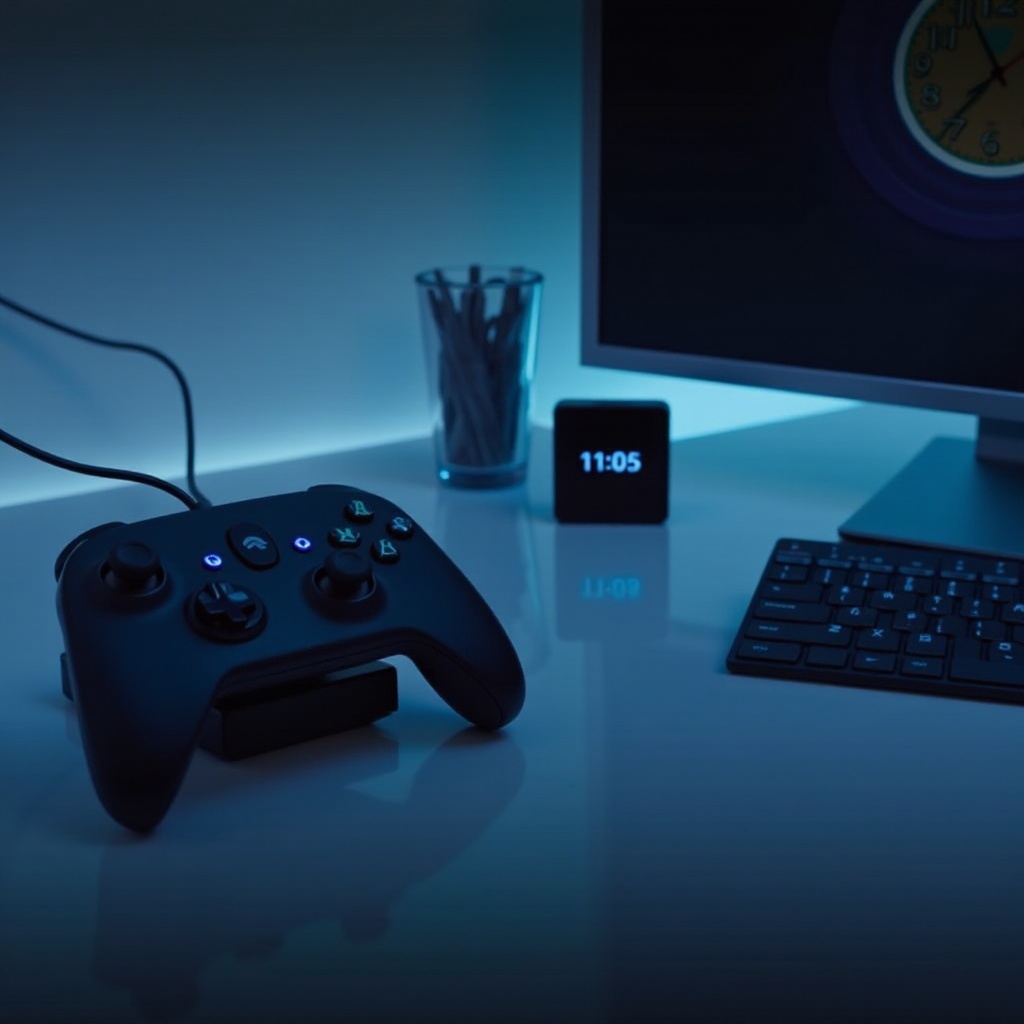
- Utilize a charging dock: It organizes your charging station and might prolong the cable’s lifespan by reducing wear.
- Explore wireless options: Some third-party manufacturers offer wireless charging solutions. However, it’s crucial to ensure the product is certified to avoid damaging your Gamepad.
Choosing wisely between these methods can simplify and enhance your charging setup.
Maintaining Your Wii U Gamepad
A well-maintained Gamepad is key to a prolonged device lifespan. Regularly cleaning the Gamepad with a soft microfiber cloth can prevent dust and fingerprints from obstructing the screen. Store the Gamepad in a protective case when not in use to shield it from physical damage. Positioned correctly, these practices help safeguard your device’s functionality, keeping it ready for action.
Conclusion
Properly charging and maintaining your Wii U Gamepad ensures that you’re always ready for uninterrupted gaming adventures. By following the tips and techniques outlined here, you’ll optimize your device’s battery life and extend its operability.
Frequently Asked Questions
How long does it take to fully charge a Wii U Gamepad?
A full charge typically takes about three hours using the standard Nintendo AC Adapter.
Can I use a third-party charger for my Wii U Gamepad?
While it’s best to use an official Nintendo charger, some certified third-party chargers are safe and effective.
Why does my Wii U Gamepad battery drain quickly?
Quick drainage can be due to high screen brightness, active features like vibrations, or frequent complete discharges. Adjusting these settings can help.